
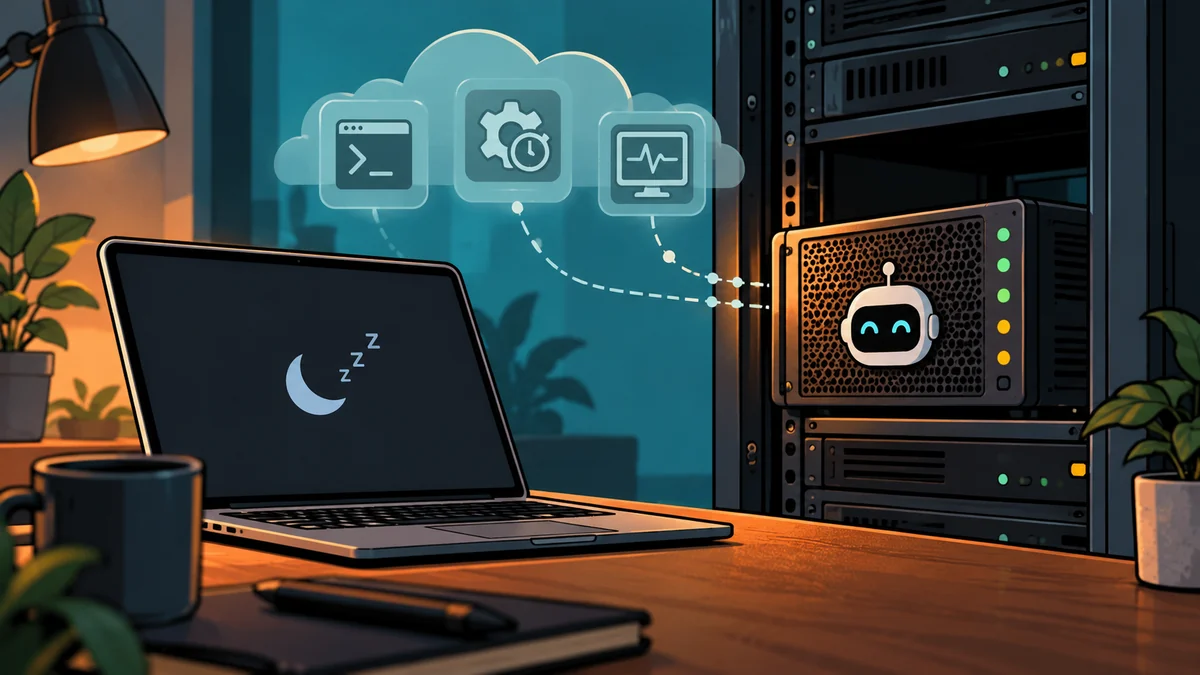
Every week now someone posts an agent that “ran a website” or “traded while I slept.” Underneath every one of those demos is the same unglamorous fact: the agent lived on a server that never turned off. Daniel Foley’s autonomous SEO agent, the one that took a test site to #1 in Google, ran its entire test-implement-wait-review loop from a $10-20/month VPS, not from his laptop.
My agents are trading bots rather than SEO bots, but the infrastructure is identical, and I have been running it in production since March 2026. This post is the setup: what a small VPS can and cannot carry, how to make the loop survive crashes, and the two specific boxes I pay for.
Why does an AI agent need a VPS instead of your laptop?
Because an agent is a loop, and a loop is only as reliable as the machine that hosts it.
A laptop sleeps when you close the lid, reboots for updates, and drops off the network when you leave the house. For a chat session none of that matters. For an agent that polls a market every 30 seconds, watches Search Console daily, or waits three days to review the effect of its last change, every interruption is either missed work or corrupted state.
Serverless looks like the modern answer and is the wrong shape for most agent loops: execution time limits fight long polling, cold starts fight schedules, and persistent state (the agent’s memory files, its cursor into a job queue, its logs) has to be bolted on externally. If your process idles near zero and spikes rarely, metered platforms are fine; I wrote up that trade-off in VPS providers compared. But an agent that never sleeps wants a machine that never sleeps, at a flat price.
A VPS is the boring middle ground: a real Linux box, root access, always on, $6/month. Boring is what you want under an autonomous process.
What specs does an AI agent actually need?
Less than you think, as long as the model runs via API. The LLM does its thinking on Anthropic’s or OpenAI’s hardware; your VPS only hosts the loop around it.
| Agent workload | Specs that carry it | Monthly cost |
|---|---|---|
| API-calling agent loop (trading signals, SEO tasks, monitors) | 1 vCPU, 1GB RAM | $6 (DigitalOcean Droplet) |
| Agent + headless browser or heavy dependencies | 1-2 vCPU, 2GB RAM | $12-18 |
| Latency-sensitive execution (live order fills) | Specialized low-latency VPS | ~$25+ (QuantVPS) |
| Local model inference | 8GB+ RAM or GPU instance | Different article entirely |
My production number, for calibration: the Polymarket trading bot ran four months on the $6 Droplet, and used roughly 200MB of the 1GB RAM. The full build is in how I built the Polymarket trading bot; the deployment walkthrough is in deploy a Python agent on DigitalOcean.
Affiliate link. I may earn a commission at no extra cost to you.
How do you keep an agent alive 24/7?
Not with tmux, not with nohup, and not with a terminal you promise yourself you won’t close. Those all share the same failure mode: the process dies and nothing notices.
The answer is a systemd service:
# /etc/systemd/system/my-agent.service
[Unit]
Description=my agent loop
After=network-online.target

[Service]
User=agent
WorkingDirectory=/home/agent/my-agent
ExecStart=/home/agent/my-agent/.venv/bin/python main.py
Restart=always
RestartSec=10
EnvironmentFile=/home/agent/my-agent/.env

[Install]
WantedBy=multi-user.target
systemctl enable --now my-agent and the loop now survives crashes, reboots, and closed SSH sessions. Three habits turn this from “a script on a server” into an agent you can trust unattended:
- State on disk, not in context. Memory files, task cursors, and decision logs live in the working directory. The process should be able to die mid-cycle and resume from disk without losing the plot. This is the same principle that makes Foley-style agents work: the self-updating memory file is the agent; the process is disposable.
- A heartbeat every cycle. One log line per loop iteration with a timestamp. Silence for two intervals means something is wrong, and you can detect it with a five-line cron instead of discovering it a month later. I learned this one the expensive way on a trading box that went quiet.
- Keys in an EnvironmentFile, never in code. Your model API key and any exchange or service credentials sit in a root-readable
.envon the box, out of the repo.
When is a $6 box not enough?
When a measured constraint says so, and almost never before.
The honest upgrade triggers I have actually hit:
- Latency. My market-execution workload needed consistent 3-5ms fills, which a general-purpose droplet cannot promise. That single workload moved to QuantVPS, a VPS built for trading bots and priced accordingly. Everything that is not latency-sensitive (monitors, dashboards, the slow loops) stayed on the $6 Droplet. Both were my real stack before either was an affiliate link.
- RAM, if you add a browser. Headless Chrome for scraping or UI testing roughly doubles what the box needs. That is a $12 problem, not a specialized-VPS problem.
- Local models. The moment you want weights on your own hardware, stop reading VPS pricing pages and start reading GPU pricing pages.
What has never been the trigger: the agent “feeling slow.” An API-calling loop spends its time waiting on the model API and on its own schedule. A bigger VPS does not make Claude answer faster.
What does it actually cost per month?
The server is the cheap part, and it is worth saying plainly because the demos usually don’t:
- VPS: $6-25 depending on the tier above.
- Model API: the real variable. An agent that runs one thoughtful loop per hour costs dollars per month; an agent that polls a frontier model every 30 seconds can cost hundreds. Budget the loop frequency first. My token-burn breakdown is in 10 patterns that burn your Claude quota.
- Tooling: optional. Foley’s stack added a $60/month SEO data MCP; my trading stack’s equivalent is exchange API access. Start without paid tooling and add it when the agent’s output justifies it.
An always-on agent under $10/month of infrastructure is genuinely available to anyone. The discipline is in the loop design and the verification, not the hosting bill.
How do I set this up in 30 minutes?
- Create the $6 Droplet (Ubuntu LTS), add your SSH key.
- Create a non-root
agentuser; clone your agent repo into its home. - Put the model API key and any service credentials in
.env. - Install the systemd unit above;
systemctl enable --nowit. - Add the heartbeat check: a cron that alerts you if the log goes quiet.
- Walk away. That is the point.
The step-by-step with the sharp edges (Python venvs, firewalls, log rotation) is in the DigitalOcean deployment guide. If you are choosing between providers first, the production comparison is in VPS providers compared.
The agents getting attention right now differ in what they automate. They agree completely on where they live.