Notion template, paid once
A task list that shows only what your energy can handle right now
The ADHD Engineer's Productivity System is one Notion template. You give each task an energy level and a time, then open the view that matches how you feel. On a low day you see only the low-energy tasks, not the whole list.
It arrives by email as the Daily Driver Dashboard, a Notion page you duplicate into your own workspace.
$19
Price and contents checked Oct 27, 2026
Checkout by Stripe. The link arrives by email a few minutes after payment.
This is a Notion template, not a Claude tool. If you want Claude to work with an ADHD brain, start with the free ADHD CLAUDE.md config.
What you see after you duplicate it
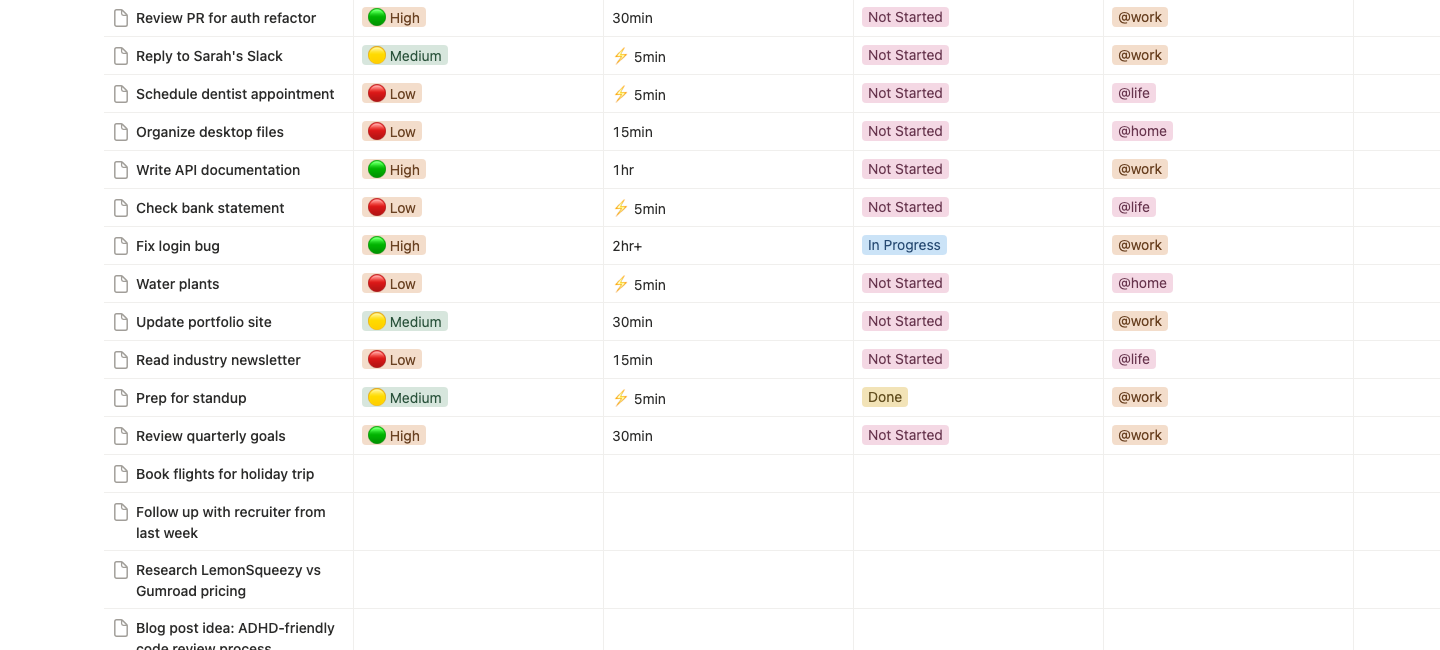
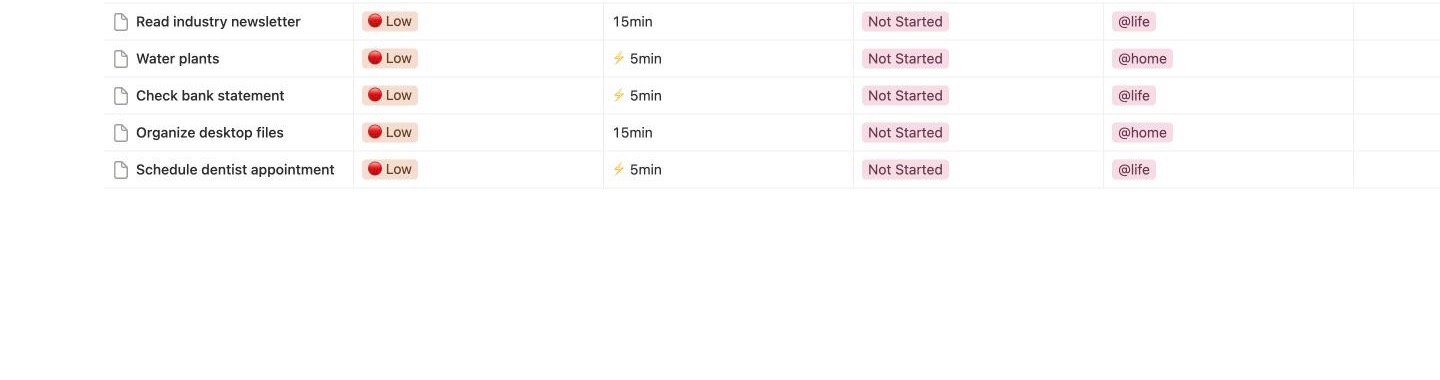
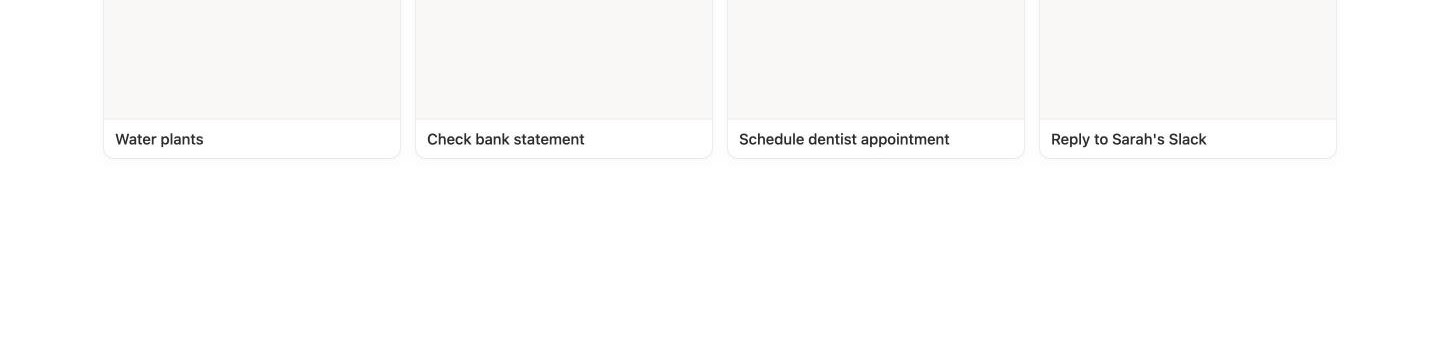
What is inside
Seven views of one task list
- Table
- Every task in one list.
- Low Energy, Medium Energy, High Energy
- Only the tasks that match the energy you have right now.
- Quick Wins
- Five-minute tasks, shown as cards, for when starting is the hard part.
- Current Focus
- The tasks already in progress, so you can pick up where you stopped.
- Done Today
- What you finished today.
Fields on every task
- Energy
- Low, Medium or High.
- Time
- 5 min, 15 min, 30 min, 1 hr or 2 hr+.
- Status
- Not Started, In Progress or Done.
- Context
- @work, @life or @home.
- Due date and notes
- Both optional.
- Processed
- For brain dumps: write the task down with nothing else filled in, then tick Processed when you sort it later.
Sample tasks are filled in, so no view is empty on the first day. Delete them when you are ready.
The first five minutes
- Open the link in the email and click Duplicate.
- Add three tasks. Give each one an energy level and a time.
- Open the view that matches how you feel right now.
- Pick one task from it. That is your focus.
Who this is for
- You have dropped more task systems than you can count.
- Your plan falls apart on the days your energy drops.
- You already use Notion, or you are willing to try it.
Who this is not for
- You do not want to use Notion. Everything here lives inside it.
- You want an app that sends reminders. The template has none of its own.
- You want Claude prompts or Claude Code files. Those are not in it.
- You want treatment or medical advice. This is a task list.
If something is wrong
Sales are final, because what you buy is yours to keep as soon as it arrives. If a file is broken or does not match its description, write to me and I will fix it, or refund you in full if I cannot.
Questions
- What arrives after I pay?
- An email with a link to the Notion page. You click Duplicate and it copies into your own workspace. There is nothing to download or install.
- Why does the email say Daily Driver Dashboard?
- That is the name of the template inside the system. It is the same thing you see on this page.
- Do I need a paid Notion plan?
- No. A free Notion account is enough to duplicate and use it.
- Is this a Claude tool?
- No. It is a Notion template. If you came here from a post about Claude and ADHD, the free ADHD CLAUDE.md config is the Claude part.
- Nothing arrived. What now?
- Check your spam folder first, then write to hello@chudi.dev. I usually reply within two business days.
Why I built it: GTD did not work for my ADHD brain.
Buy the template for $19